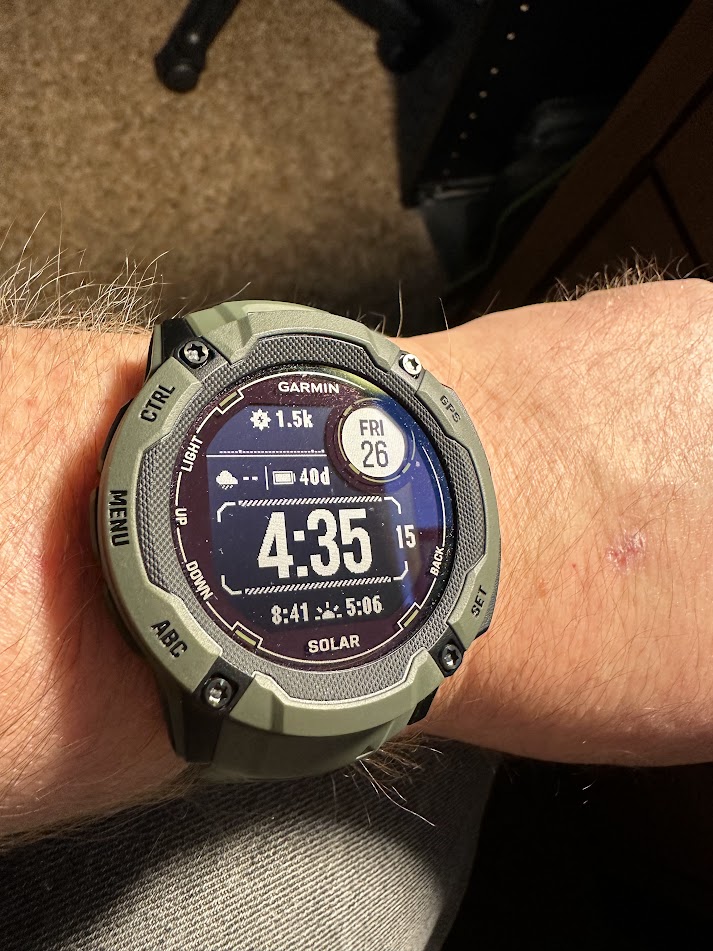
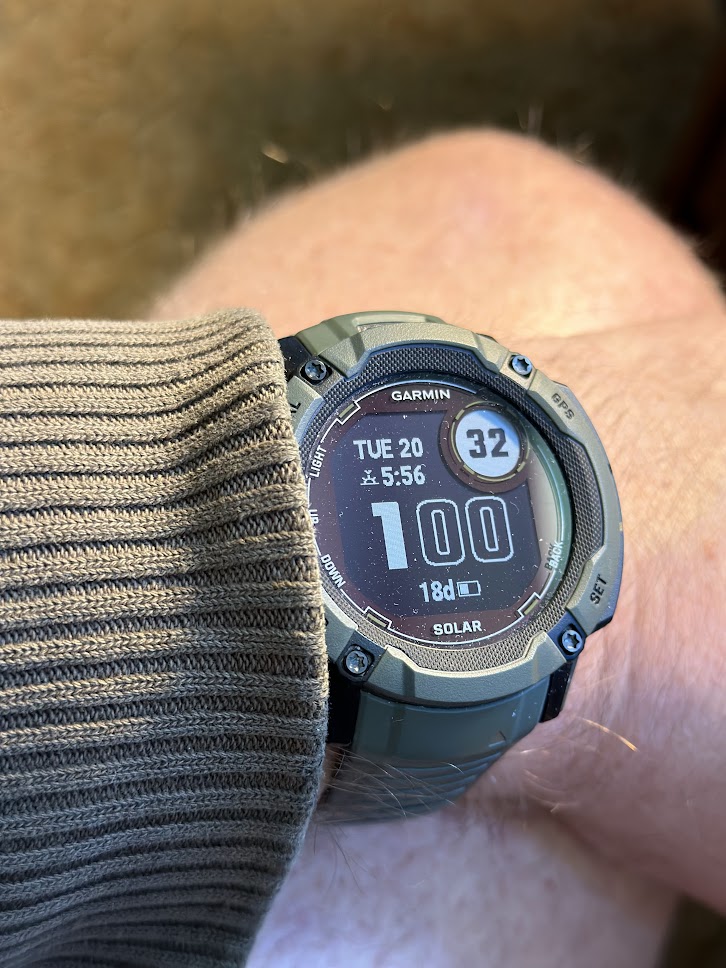
I set up my new Garmin watch on January 22nd and gave it a full charge in the evening. I am impressed with the durability and overall functionality of the watch. The larger screen is easier to read. The solar charging works well. I won’t need to charge up the unit for quite some time. It easily synced up with my iPhone and was easier to set up than my previous Garmin watch; I sold that on FB. This was a good choice.
1 Like
So how is your new iPhone. Still haven’t upgraded mine (10XR) and haven’t seen (IRL pick up hold in my hand) one w a slightly bigger screen. I’d kind of like that as I geeze out.
The brighter screens seem worth an upgrade but I seldom use the cam and I’ve barely used 32GB after all the years of use (inc pics ported from my old iPhone4 and 6SE).
You got yours direct from Apple? Best way to go if buying outright?
Yes, I got it from Apple directly and got Apple Care too. I like buying it outright; I dislike cellphone contracts. I like the base model of the 14 Pro Max a lot. I like having two days of battery life. Good camera. I tried looking at the 14 but the screen was too small for my tired eyes.
I have an iPhone 15 Plus. Bigger screen, but not too expensive. I get a new one every year then practice “trickle-down” phononomics with my wife and kids.
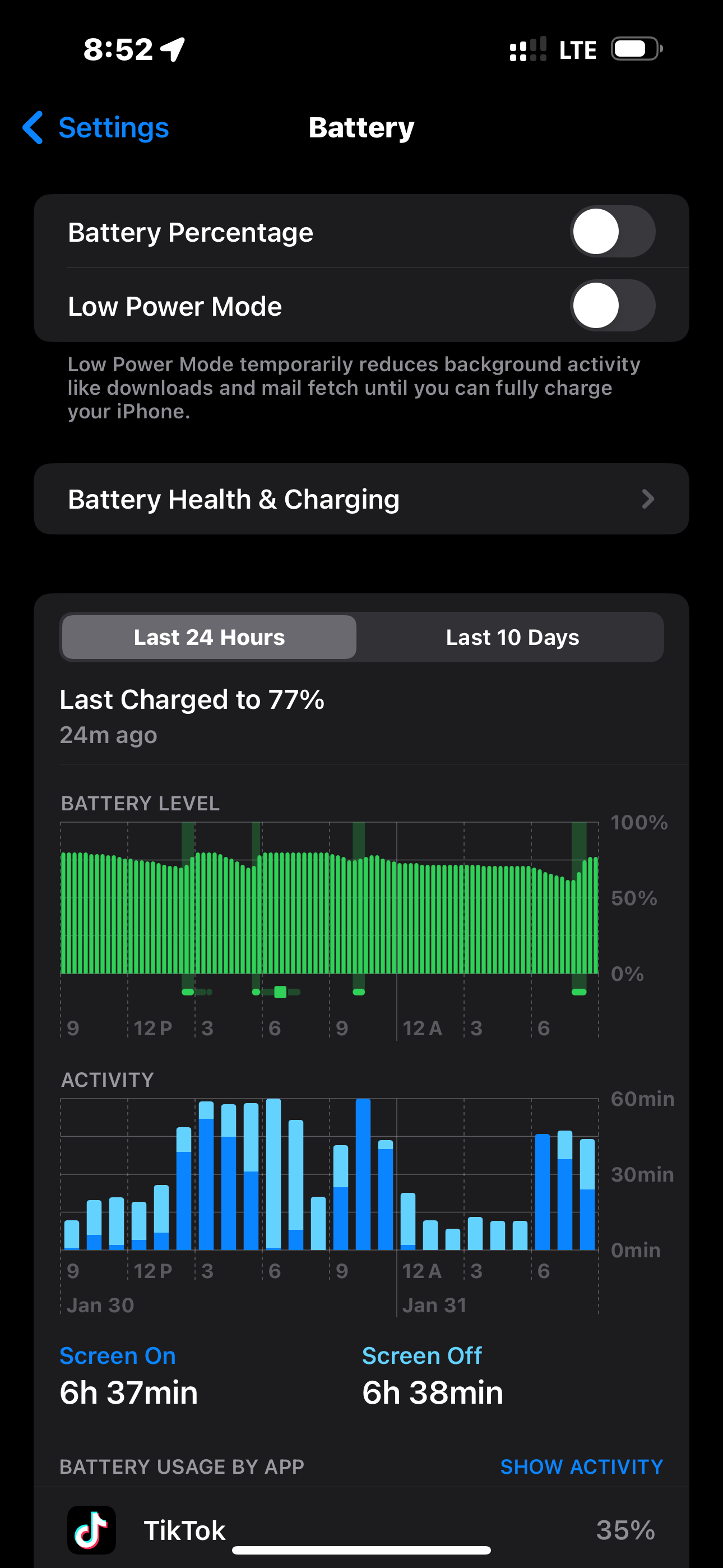
So far, the battery life has been insane. I literally only plug in my phone in the car — 15 minute drive to work in the morning, and 15 minute drive home in the evening. That’s more than enough for it to last all day and night.
Here’s something even funnier:
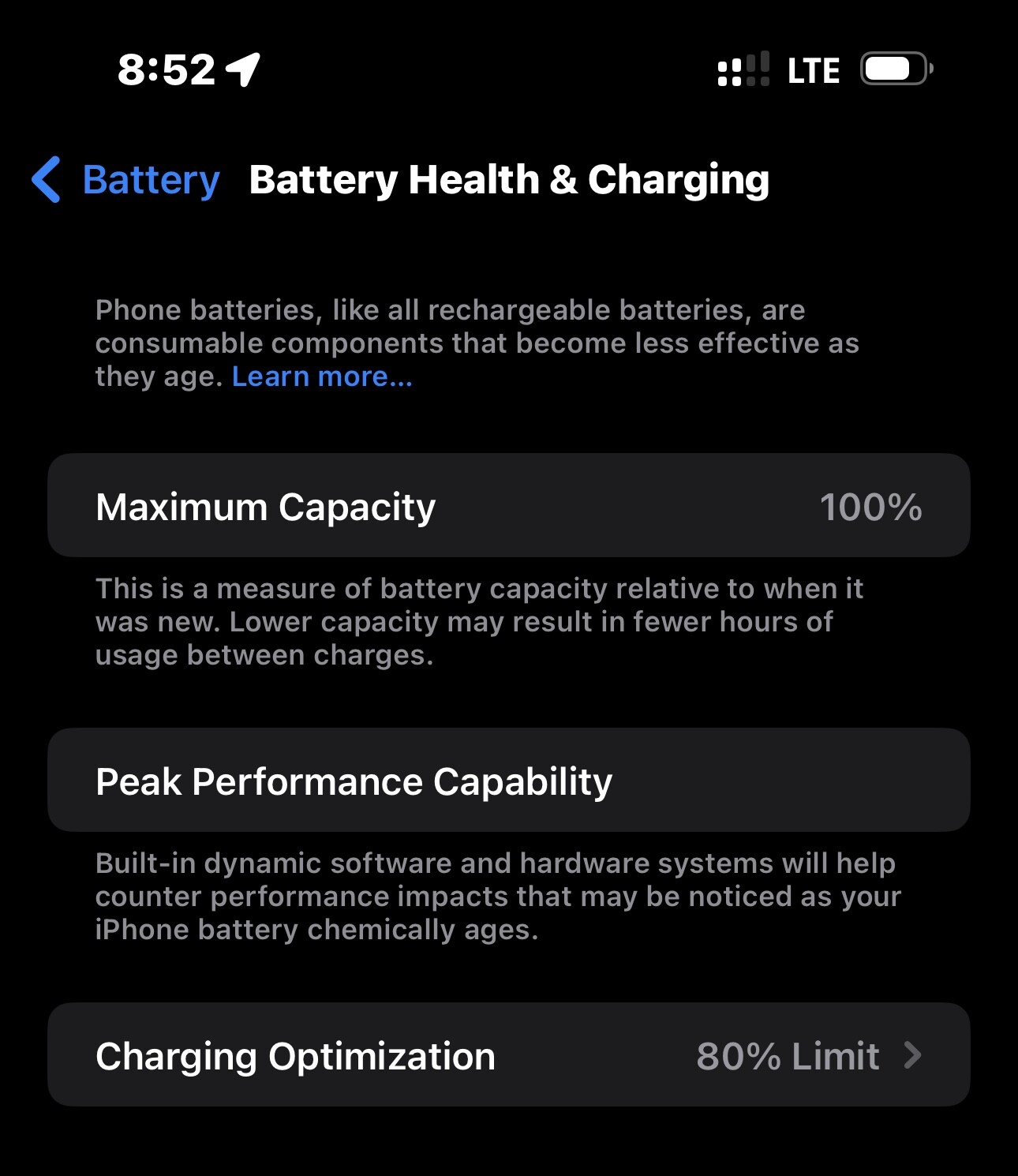
I limit my battery to charge only to 80%. It never goes above that. This is supposed to be better for total battery health and it should last longer. You can see that it’s still 100% health. I’ve had this phone since launch day back in the fall.
The other option you have for charging is to have it “optimize charging”
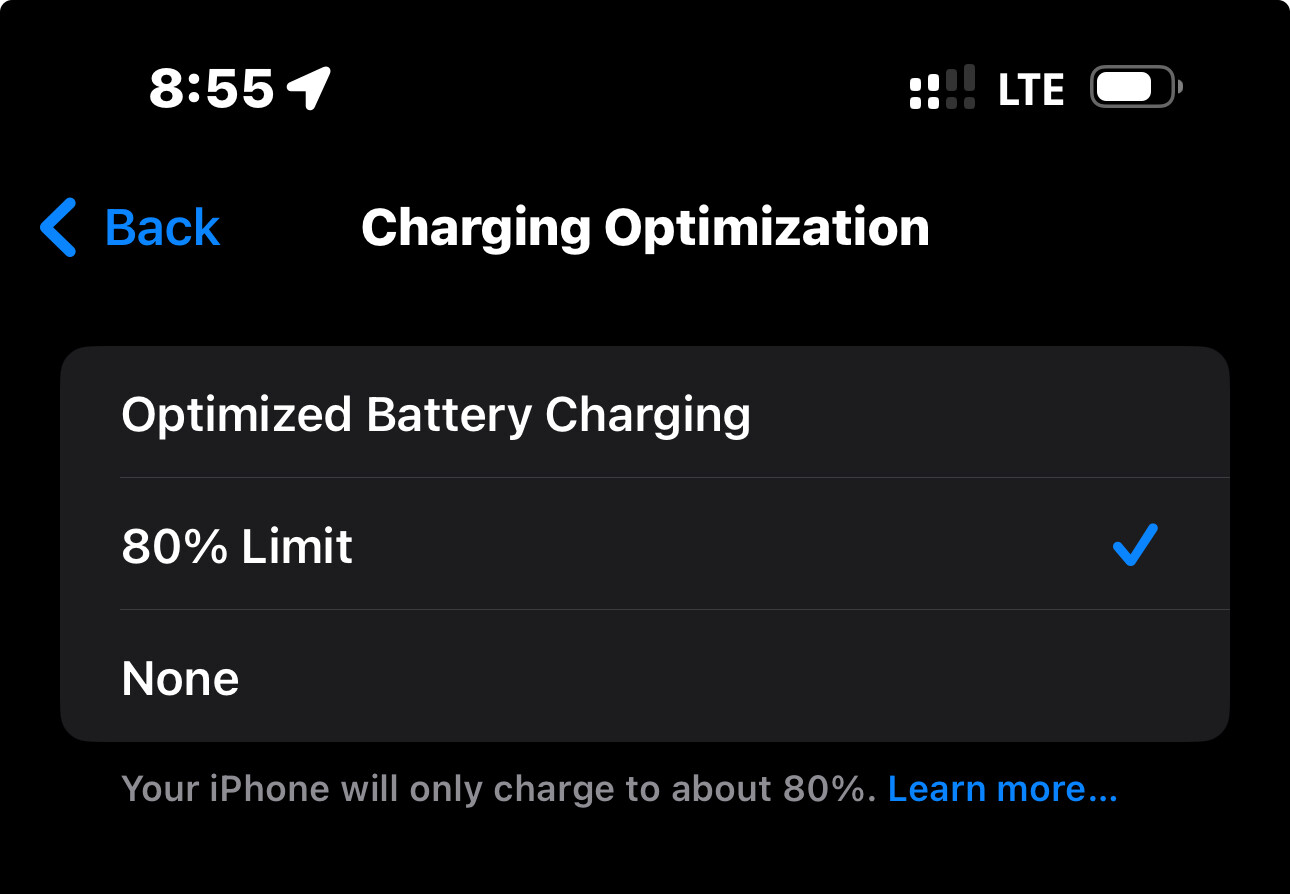
For example, if you plugin in every night and unplug around 7am, it will charge to 80% for the night and just before 7am it will charge up to 100%.
That’s what I did on my previous iPhone 14 Plus.
So I’ve been unable to resolve the problems with Truenas in that my iPad and any Linux distro cannot access it. Funny, in that it works fine on my iPhone and Windows systems.
To access it, you log on with the username and a password, but no matter what you get a password error.
Thinking of returning to a simple samba setup or Open Media Vault. Anyone tried OMV?
Can you see the logs on your TrueNAS?
It’s often a mismatch of protocols (Samba version, encryption options)
Charged up my Garmin 2X Solar on January 22nd. Still has lots of battery life. I really like the unit.
1 Like
Nope. And they’re not even accessible thru the GUI. You know, a shared folder on Tiny10 was the easiest and most compatible of all the things I tried out.
So after a week long snark hunt, I finally got the new Raspberry OS based on Bookworm to work. Only ever got black screen.
Not bad SD cards, USB sticks, bad images, problems with Wayland instead of X11… plugged it directly into the monitor instead of the HDMI switch and ta-dah! A couple minutes to discover config.txt moved from /boot to /boot/firmware and now it’s CPU&GPU overclocked and runs better than Bullseye/X11
BTW speaking of printers, I was looking at LibreOffice settings and all 3 printers were already there… the photo printer wasn’t turned on or it probably would’ve been too.
… grumbles at 2 day ordeal to get that HP Laser to work on Windoze…
1 Like
Snowed in weekend, so I looked deeper into the NAS thing.
TRUENAS: made a new user ne1 and shared the same directory. Works, downloads ok but if the ne1 uploads it first makes it’s own directory. Still ok as my main user has full control over that. Bet whole fooferall was because my smb user passwd was different than my user passwd and I forgot it!
Still Truenas is easy to install, but far more robust than required for any home or small business NAS. Bigger learning curve to setup.
So
Set up OpenMediaVault on the Pi. Start with PiOS Lite and then wget OpenMediaVault (fun w syntax!). Download and setup takes a bit but it is much easier to set up than TrueNAS. Works fine on Win, Lin, Mac,
BOTH of these systems require a 2nd hard drive for storage, you can’t use the boot drive.
Then
Dug out that old Dell 160 and installed Tiny1023H2. Now this is the easiest of all. Just make a SHARED folder on the main C: drive as 10GB or less is used by the OS and and share it to everyone & set the permissions. A 2nd drive advisable but optional. I would’ve used an old 80GB as boot, but that Dell 160 is ancient and has no room for a 2nd drive.
All of this because both the wireless modems I used had a USB port that was unuseable. Telus DSL and Mascon Cable there is no way to access and use that port from the management console. In others, you just plug in a stick, set it up in the router software as a shareable network folder.
Hope this info’s useful for anyone thinking of using an old computer as a home NAS.
Tiny10 - simple and easy
OMV - little more complicated, more control
TrueNAS - easy install but WAY too complicated setup for Joe Average. OK for an office NAS.
Next snowday project is to try Tiny10 on an old AspireOne with an 8GB SSD. Has slotsa fo SD cards, I’ll move user and Programfiles to one of those if needed.
Tiny1023H2 sounds interesting. Going to try it on a computer tonight.
OMG just got a $1000USD offer for the most obscure domain ever. Wrote 8K of code about 1998 as an learning exercise and posted it on a $5 domain years ago!
beyondhope.ca
I can’t believe anyone even saw it, figured it had maybe 20 page views in all these years. The offer looks legit. it came thru GoDaddy.
1 Like
Done! $1277 to spend on something I want. And no idea what I want…
So I’m stumped by why with a fancy video card and special drivers the PC looks barely better than with onboard video and compared to just turning on my Mac mini looks like washed out crap. MOF the Pi4 with KDE Plasma has a sharper, more viewable workspace than all the years of tweaking Windoze.
1 Like
Tiny10 on an ancient Celeron 575. Old Acer laptop sitting around, had Win10 and an SSD ran like molasses in January.
Decided to use the 128GB SSD for my Pi and put in an old 160GB spinner. RaspberryOSx86 is a nice tiny version for old computers but it too was ungodly slow, then I remembered Tiny10.
Happy to report it runs just OK on that single core w 4GB, better than Raspian did. It comes with Edge and I added Firefox as I prefer that. Once open, pages load at a decent speed.
If you’re an old dodderer that doesn’t mind 15 to 20 sec waits for any window you click to open, you won’t mind. Windows is more familiar, but you can’t activate Tiny10 to get all the features.
A Pi400 for $100 hooked to an old monitor is still a better “deal” than this old POS is for free.
1 Like
Woah! That’s great!
I wonder what they want it for? TV Show? Movie?
noting there yet. I just hope it’s not for some right-wing dump on Canada site.
Like the Nazional Post
Learned a bit more about networking today. I finally got around to setting up wireless printing on my Brother network laser printer. Getting wired printing on the unit was simple as the router assigned an IP address to the printer. I thought it would be simpler to set-up wireless printing first on my Windows 11 laptop. Windows found the printer and everything worked perfectly. Then used those settings to set-up wireless printing on my wife’s Linux laptop.
However, today I tried to print on one of my wired Linux desktops and no printer was found. I didn’t know that Windows had changed the IP address on the Brother printer. Once I put in the new IP address my wired desktops could print again. I like that Linux doesn’t use the sledge hammer approach with network discovery. Windows is stupid.
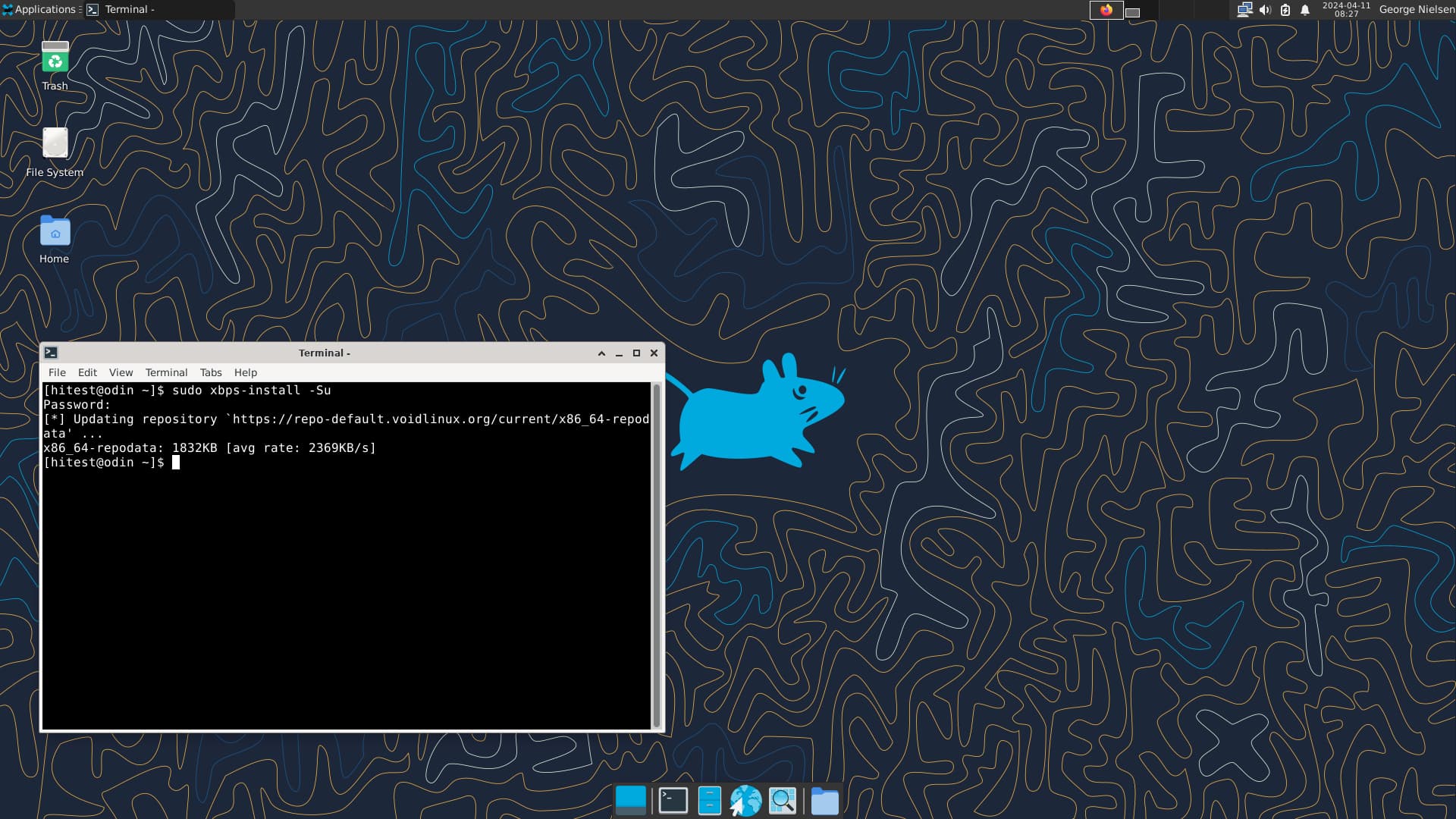
I absolutely love Void Linux. It’s a relatively new distro created in 2014. It uses runit as its init system so it’s stable and speedy. It’s my go to distro these days. They have an XFCE live ISO that you can spin up in a VM if you’re curious. Here’s a good install guide.
Quick and Reliable Void Linux Installation
Once my router connects a wireless printer it won’t give it a new IP unless the printer’s turned off for over a week. Every Linux installs the Brother automatic.
Windows is the only OS that is a printer headache, regardless if it’s USB, wireless thru the router or wireless direct.
Thats’ why you see all those gripes about printers. They’re running Windows and that’s what the problem is.
1 Like
Try giving your printer the same address every time. Your router probably has a place you can associate MAC addresses with IP addresses, or reserve an IP, or something like that.
That will solve most IP printing problems.
1 Like