Used to do that all the time. Statics for everything, a range for printers, computers, etc. Probably should do it again, there’s yet another lengthy outage scheduled here. On top of the unscheduled weekly all winter long ones.
Now I get a kick from other ppl’s Windows Printers & scanners lists:
HP Laser 130 USB, HP Laser (copy 307), HP Laser (copy 654), HP Laser (copy 821)…
So I read an IT article about how to better preserve battery life on an iPhone. They suggested leaving apps running in the background rather than completely closing them. The article said that completely closing apps can actually hurt battery life.
What do you iPhone users do?
Just let the OS handle things, and don’t worry about it. If a process in the background uses too much CPU it will be put to sleep anyway.
When I see people swiping through all their “open” apps and closing them, I cringe. Those aren’t actually open, they’re just like a “history” and are just screenshots. If you open them, then they are loaded back in RAM. Going through and closing them all doesn’t help at all – it might make things worse because some of those apps might launch when you swipe to them.
It’s a lot like closing background tabs in Safari in iOS. It doesn’t matter. They’re not in memory.
Plug it in every couple days.
I’m not on it 24/7 like my daughter, Sitting in the armchair by the USB plug, tethered to the wall just like we were in 1967…
So the other thing about all batteries is their long-term health. Most electric car batteries try to stay between 20%-80% charge. Turns out what’s really bad for long term health of batteries is leaving it at 100% or 0% for a long time.
IOS already has the optimize feature. Where the OS tries to predict when you’re going to stop charging, and charges your phone to 80% overnight, and then 100% in the hour or so before you usually wake up.
That’s supposed to lower the amount of time your phone is at 100%.
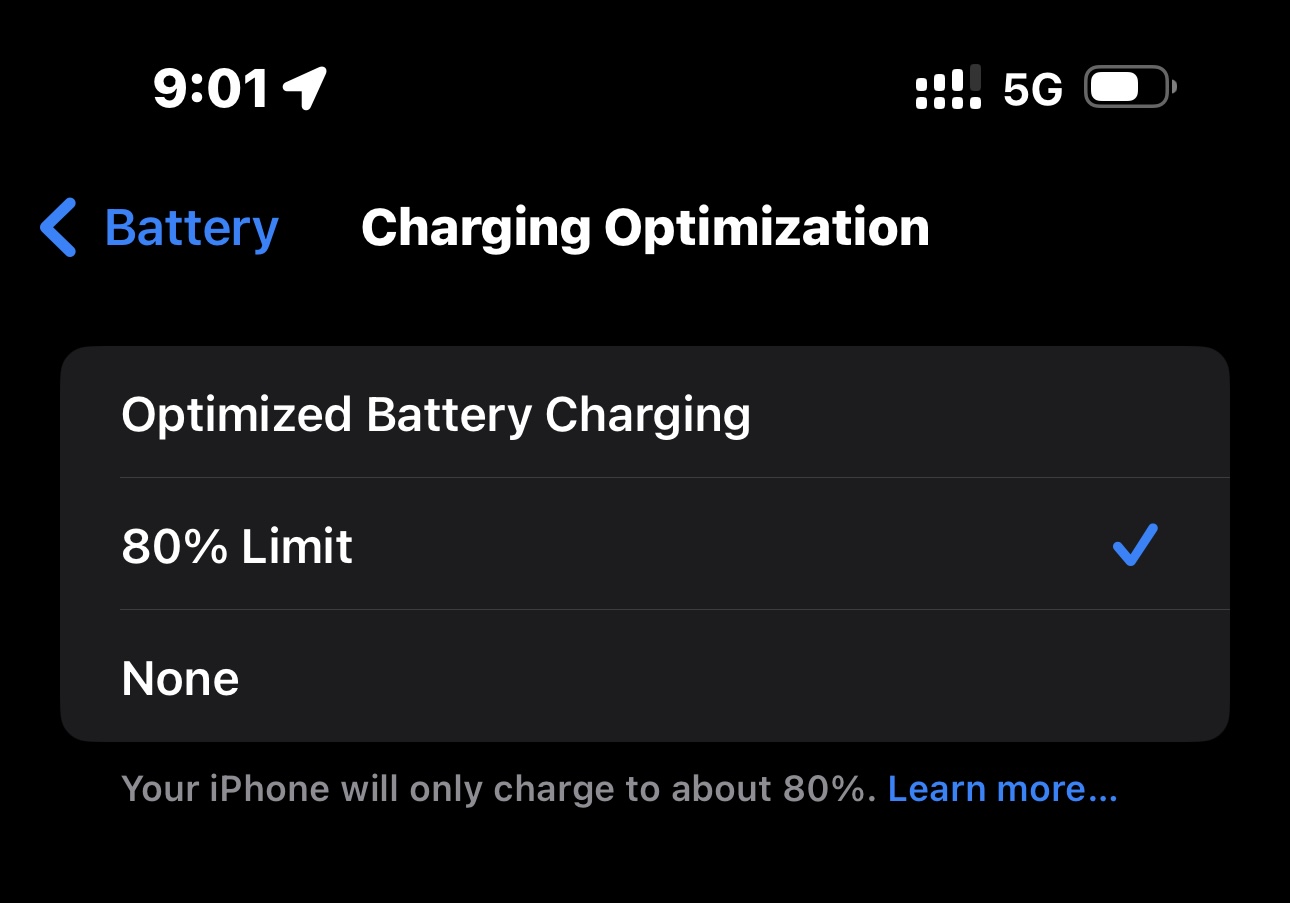
Well in the newest phones, you can set it so that it never goes above 80%. And since the new plus batteries are big anyway, it’s not a problem.
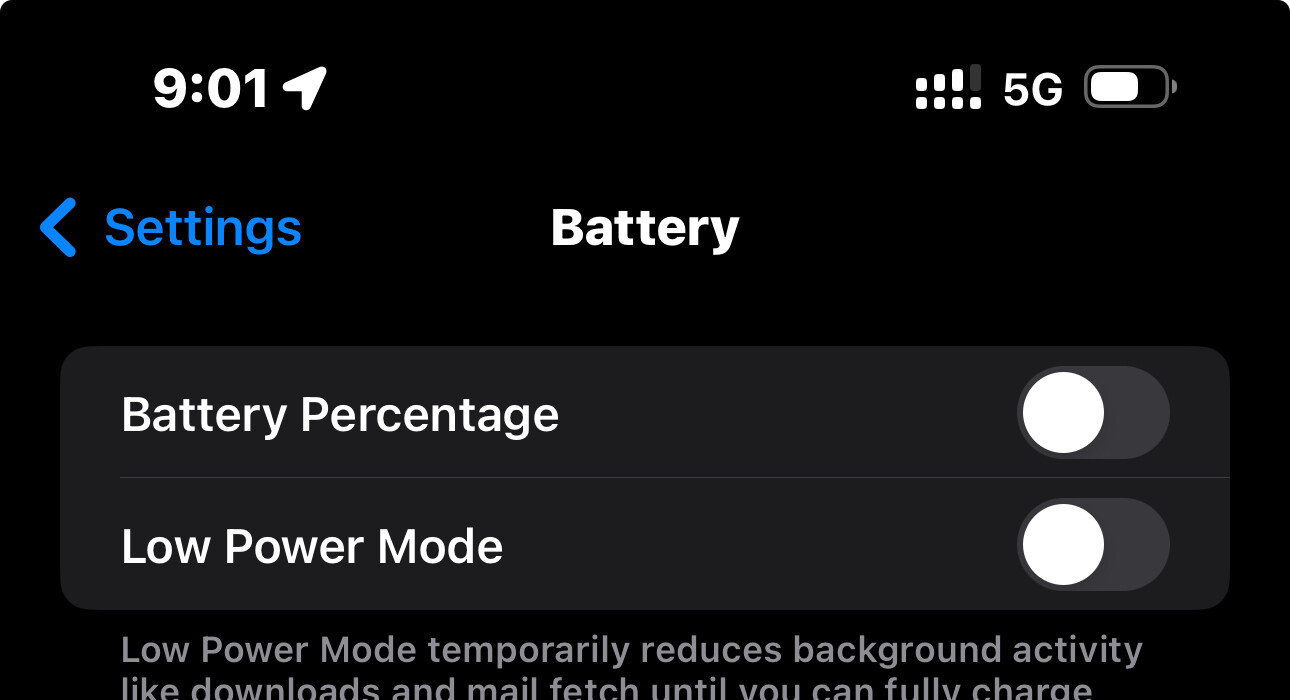
So I’ve stopped even caring about the battery level. I’ve turned off the percentage and I just don’t care. It gets charged in the car when I’m on the way to work or on the way home, and that’s more than enough to keep it running. 15 minute each way, USB-C charging while connected to CarPlay. I don’t even charge my phone when I go to bed.
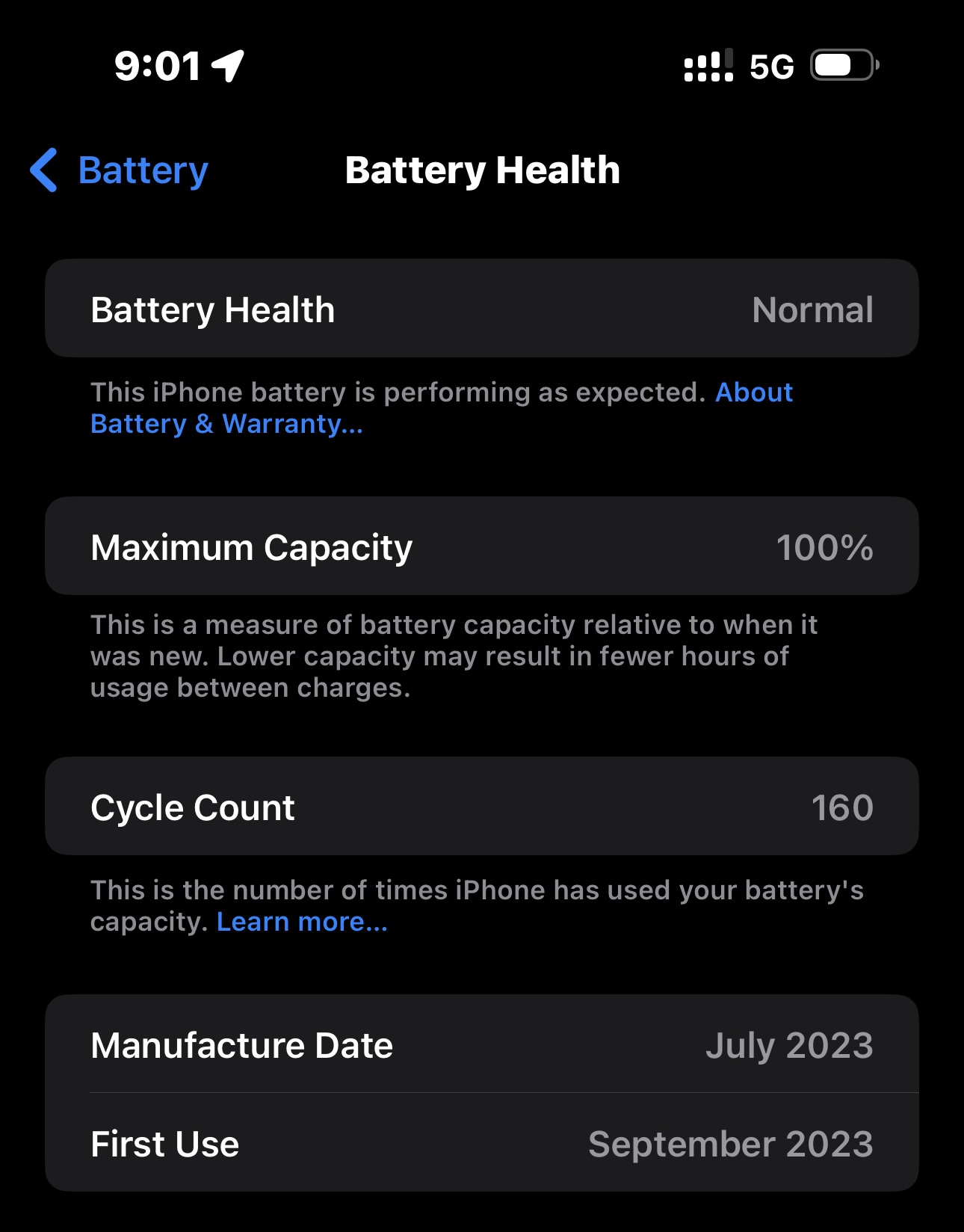
Awesome. I charge my iPhone 14 Pro max once every two days and charge it to below 100%. My apple care runs out in November. At that point I will give my iPhone to my wife or trade it in. Going to go for the iPhone 16 Plus. My battery health is below 100%, it’s 96%.
So I tend to keep AppleCare on my older phones, since they trickle down to my kids. And they’re pretty good at destroying phones by dropping them or destroying the battery. I just got a replacement for an iPhone 12 via AppleCare. Once it expires, you have an option of paying monthly for it. I’ll probably stop paying in a couple of months. Want to see how it goes first.
My 14 pro max will be two years old in November. Apple care expires then. I’ve suggested to my wife that I hand down the unit to her. So far she’s balked at that as she really likes her 8+. Still debating on trading in the pro max for a 16 plus or keeping it for another year. I’ve longingly looked at some of the mid range Samsung units, but, I really like the Apple ecosystem.
Well I still feel no shame running my 10XR. Still does more than I ever needed (or wanted) it to do. Thinking of dropping the extra Gigs and upgrading my real Internet.
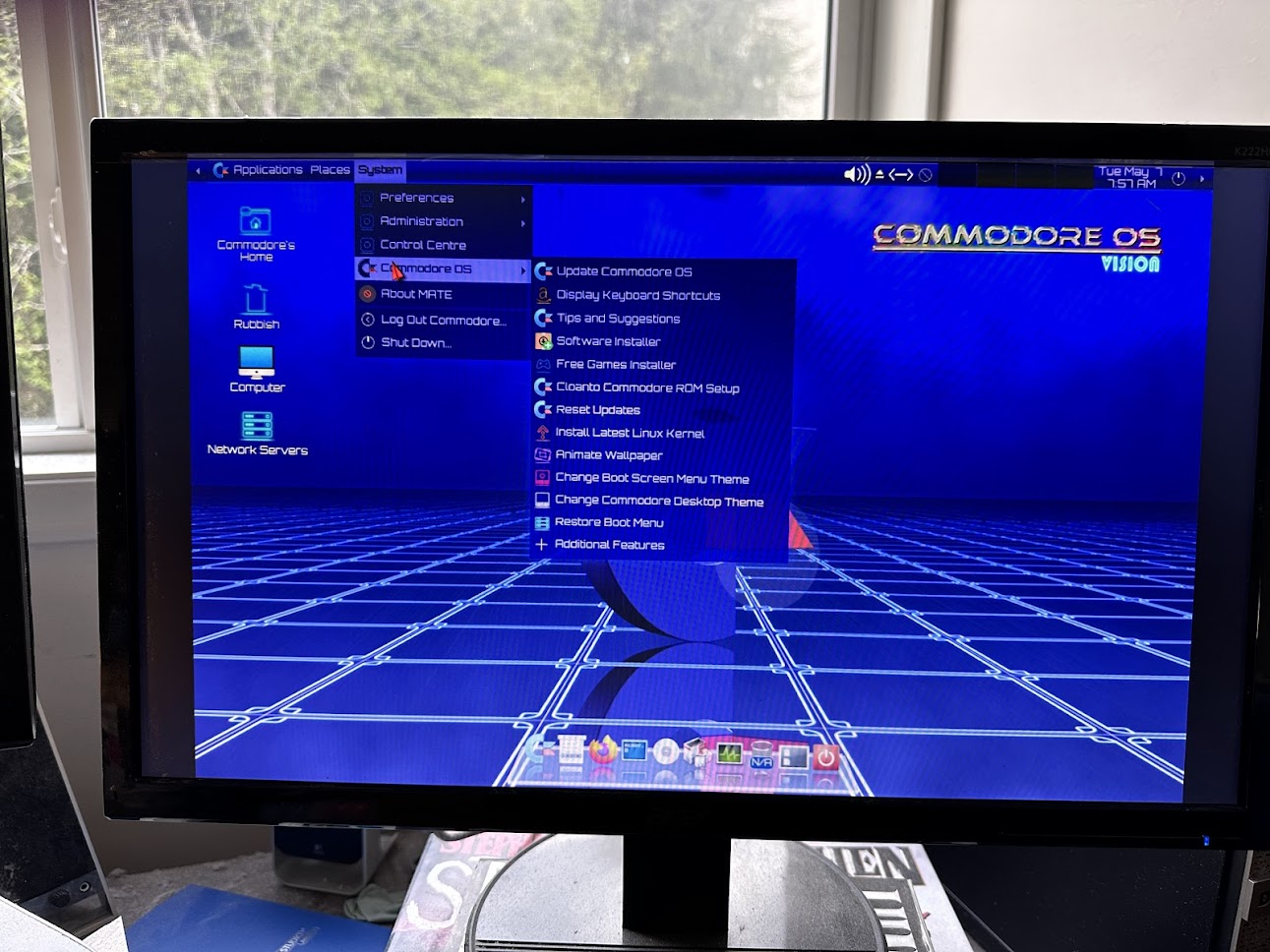
I think you only need to install the ROMs to use the Amiga functions, you can get them dirt cheap from Cloanto.
If you’re interested, Pimiga now boots and installs to either Raspberry Pi or x86 machines and includes thousands of game, demos, music etc. Emulates Vic20, C64 and all Amigas. PM if you need roms…
Rearranged the workspace yesterday, my Brother ran out of ink, it’s 11 years old and I have the Epson ink tank, so I’ll give it to someone. Got handed a 22" LCD and ended up with a nice clear desk for the Pi.
Much better now.
Time for a run to the recycle centre, 7 dead laptops, a couple desktop cases & 4 old computers no one will even take for free. Plus now four iPads, all newer than mine where the owner died or moved and they’re password or find-my-ipad locked. What a waste!
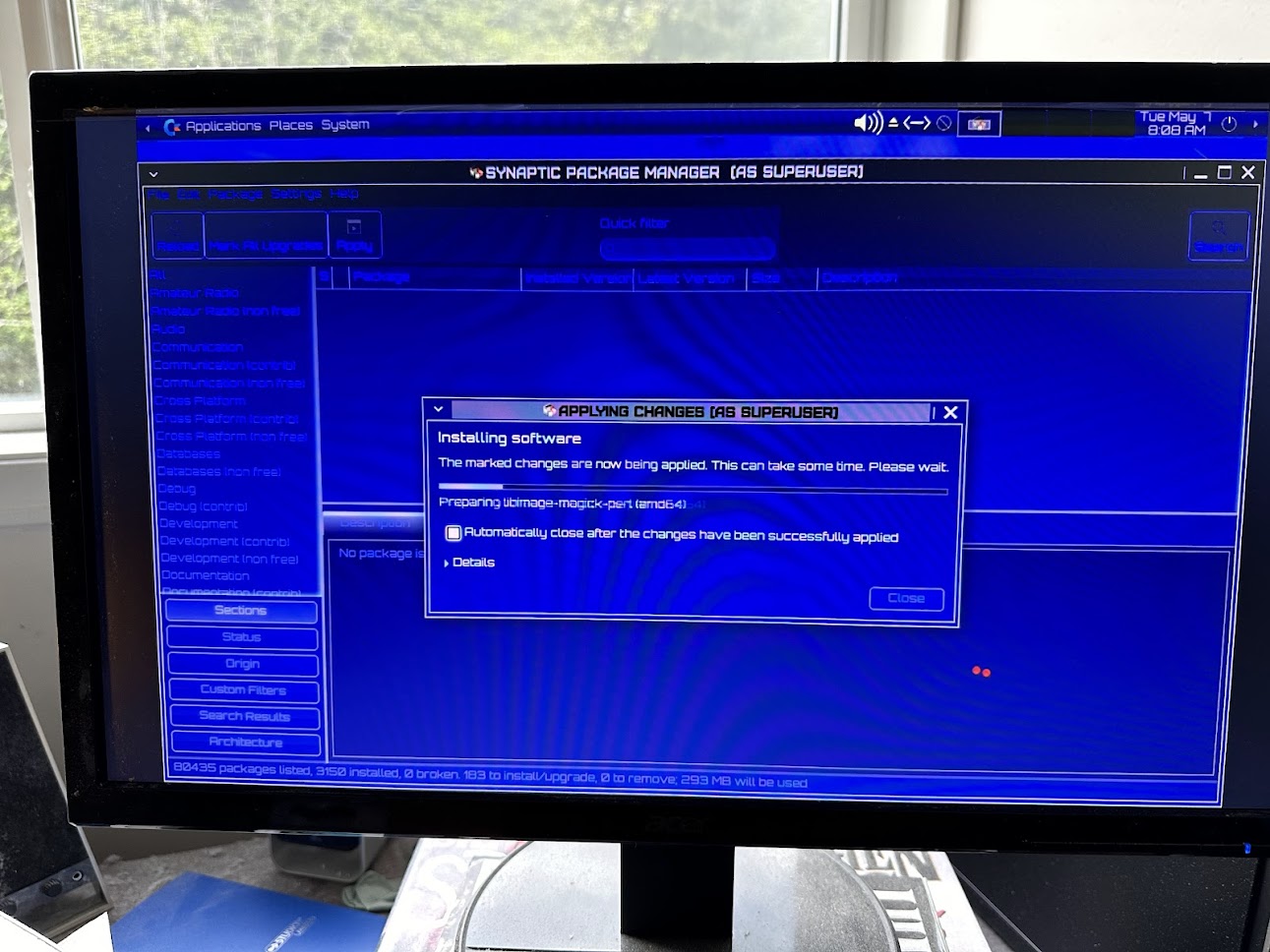
BTW the Pi had KDE Plasma and no network manager on it when it moved. Looked at solutions then remembered there’s a chooser on the boot screen. Booting into Rasp lxde, setting the wireless up and rebooting into KDE/Wayland and it was fixed (but still no icon in the tray)
I’m enjoying my home LAN a lot more lately now that I’m Windows free once more. Everything works well with Linux. All laptops and desktops are networked into my Brother network laser printer. Windows 11 is now spyware.
If and when any of my units fail they’ll be replaced with Linux or Macs.
Awwwright!!!
Finally got nginx&php running on my Pi4 server test. 3 day struggle. Arthritic finger can only type 60 mistakes a minute now.
More RBC ppl getting stuff checked out cuz the bank told them they got hacked. I’ve never found a damn thing wrong on any phone, tablet or computer I checked out other than the usual PUPs and OEM garbage.
Also for 1st time in all my years got a Home windows machine that required password resets. Thought you could only set that with Windows Server - why anyone would set it up on Home is beyond me.
Still can’t get any Linux machine to connect to my Truenas server. Something about add gid=1000 uid=1000 but no mention of where…
I bought a refurbished Dell laptop from a laptop US reseller on Ebay. The 14 inch laptop has decent specs: an i7 CPU, 16 GB RAM, and Win 10 Pro.
Unfortunately it arrived with a near dead battery. Thankfully the reseller sent me a shipping label and it’s heading back to the US for a battery replacement(he’s paying shipping and battery replacement.).
The unit runs really well with Debian Linux.
I got myself one of those matching Mac Mini extender hubs, not the Satechi but same thing. Nice, shoved a recovered spinner inside to store data i don’t need fast access to and love the front facing ports.
Grabbed a JBL Go4 for better sound that works with the Pi too, and a set of LED headlights for the Jeep. Ya know, Dad has to celebrate Fathers Day.
I did get given a mug and a remote holder for the armchair too… and I did make an offer on a Dodge Hornet PHEV. To take it away free of charge as no one wants them. Turned me down flat. It will still be there next Father’s Day.
I have a love-hate relationship with Fed Ex. Mostly I hate it. My laptop has gone missing in transit somewhere between here and the USA. I’ve reached out to the laptop seller. At some point soon I’ll open a dialogue with Paypal. Heh.