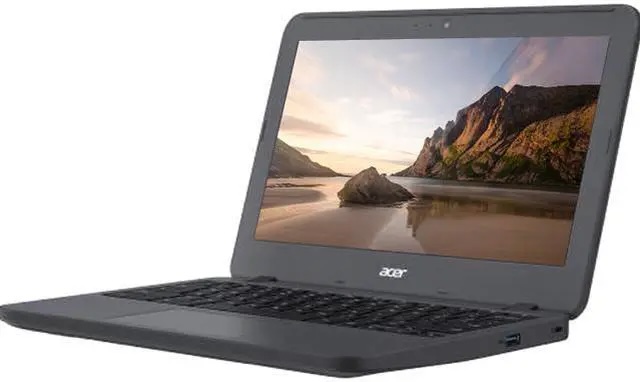
I have this really old Chromebook, it’s an Acer Chromebook 11 N7 (C731). It’s from 2016, so almost 10 years old at this point.
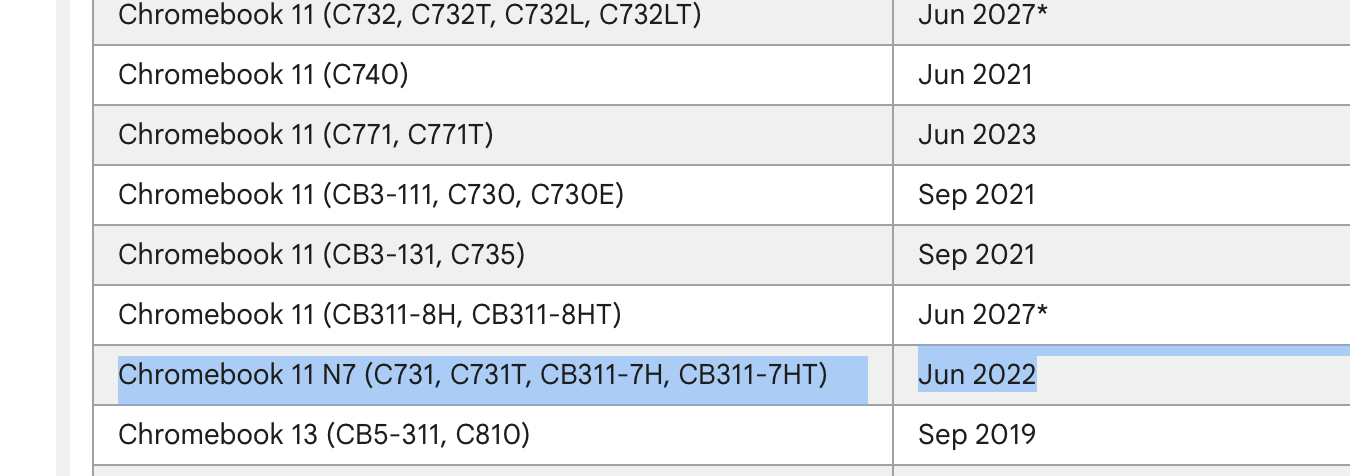
Unfortunately, it no longer receives updates, which makes it unusable for any real work (since you can’t trust the security vulnerabilities are patched).
The solution is to get rid of ChromeOS and install a Linux distro instead. Unfortunately, most Chromebooks are locked (either in software or hardware) from running other operating systems. In this model’s case, it’s a hardware lock. A screw.
I opened the computer:
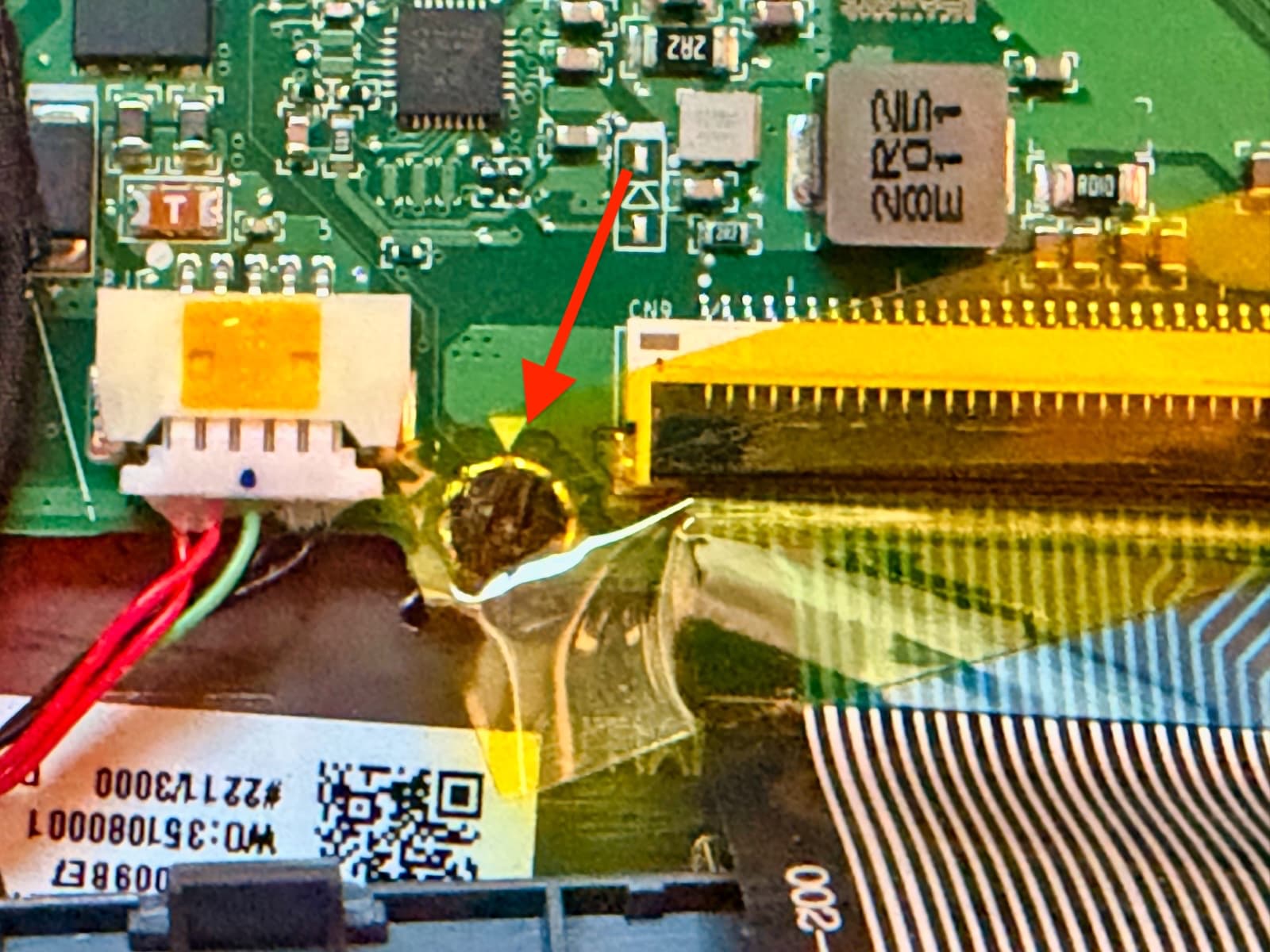
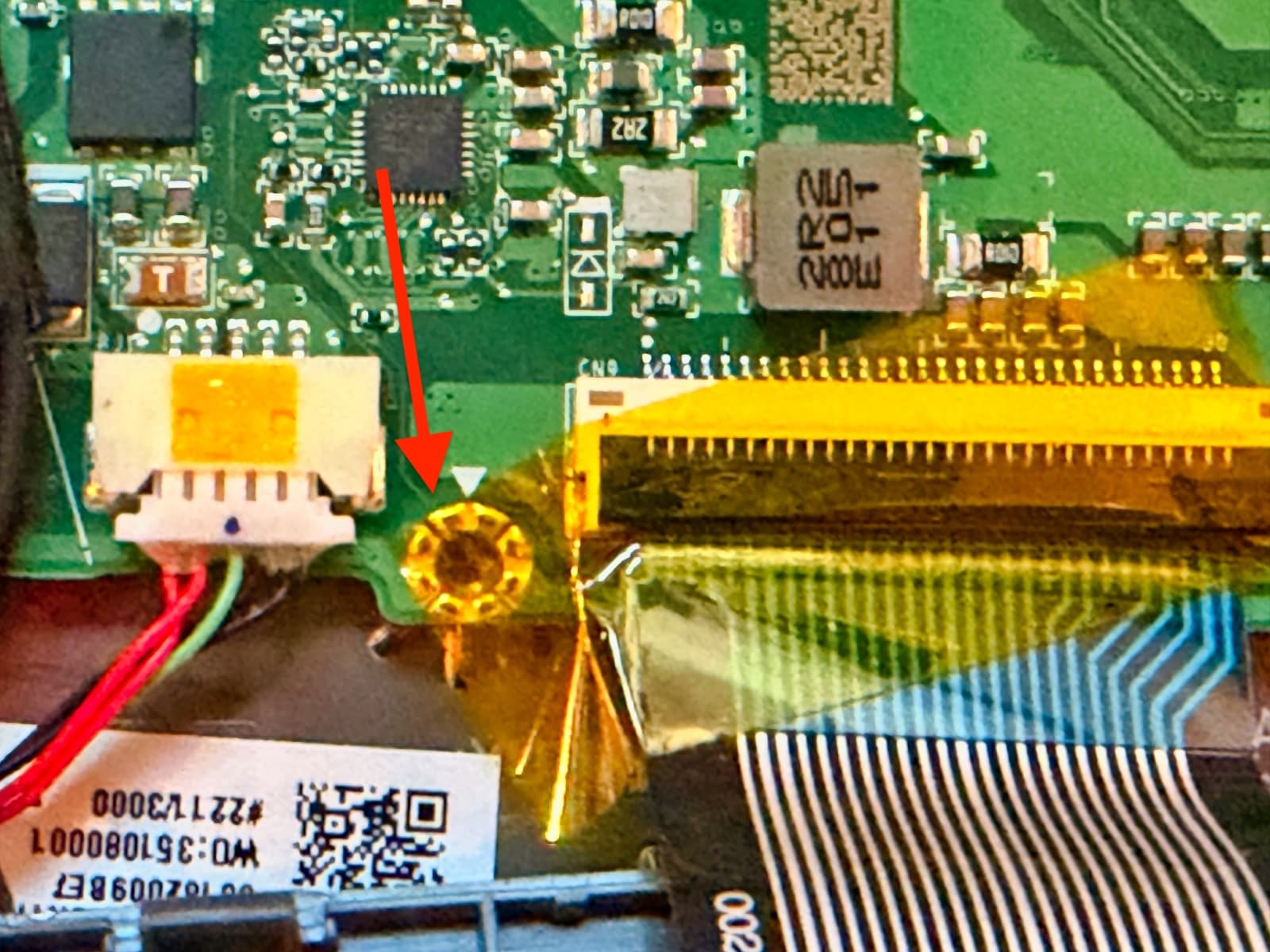
And found the ‘lock’ screw. It’s the one in the bottom-left of the board, next to a wide ribbon cable. There’s a handy white triangle just above it:
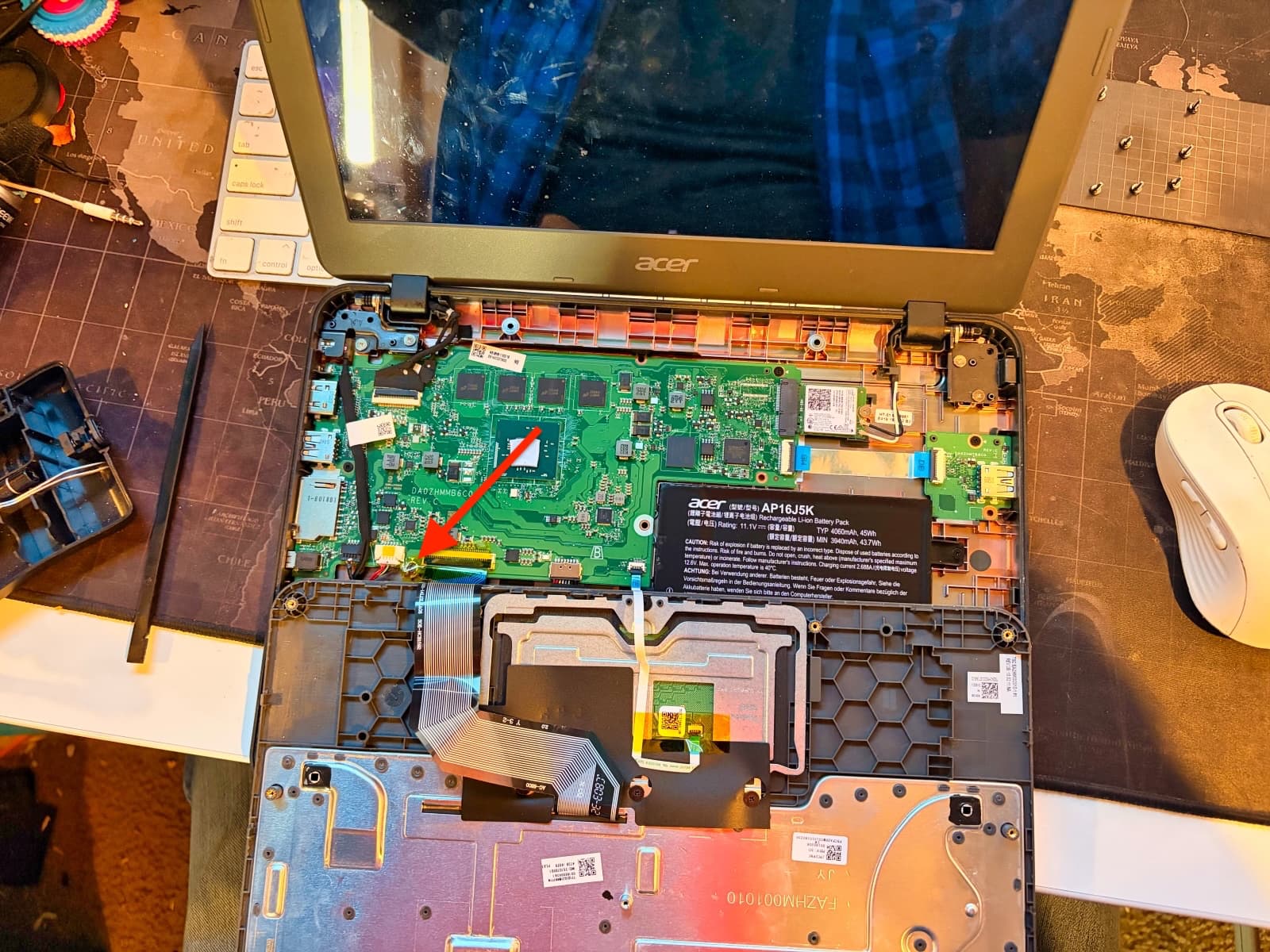
I peeled the yellow tape a bit to expose the screw. And then removed it. Simple.
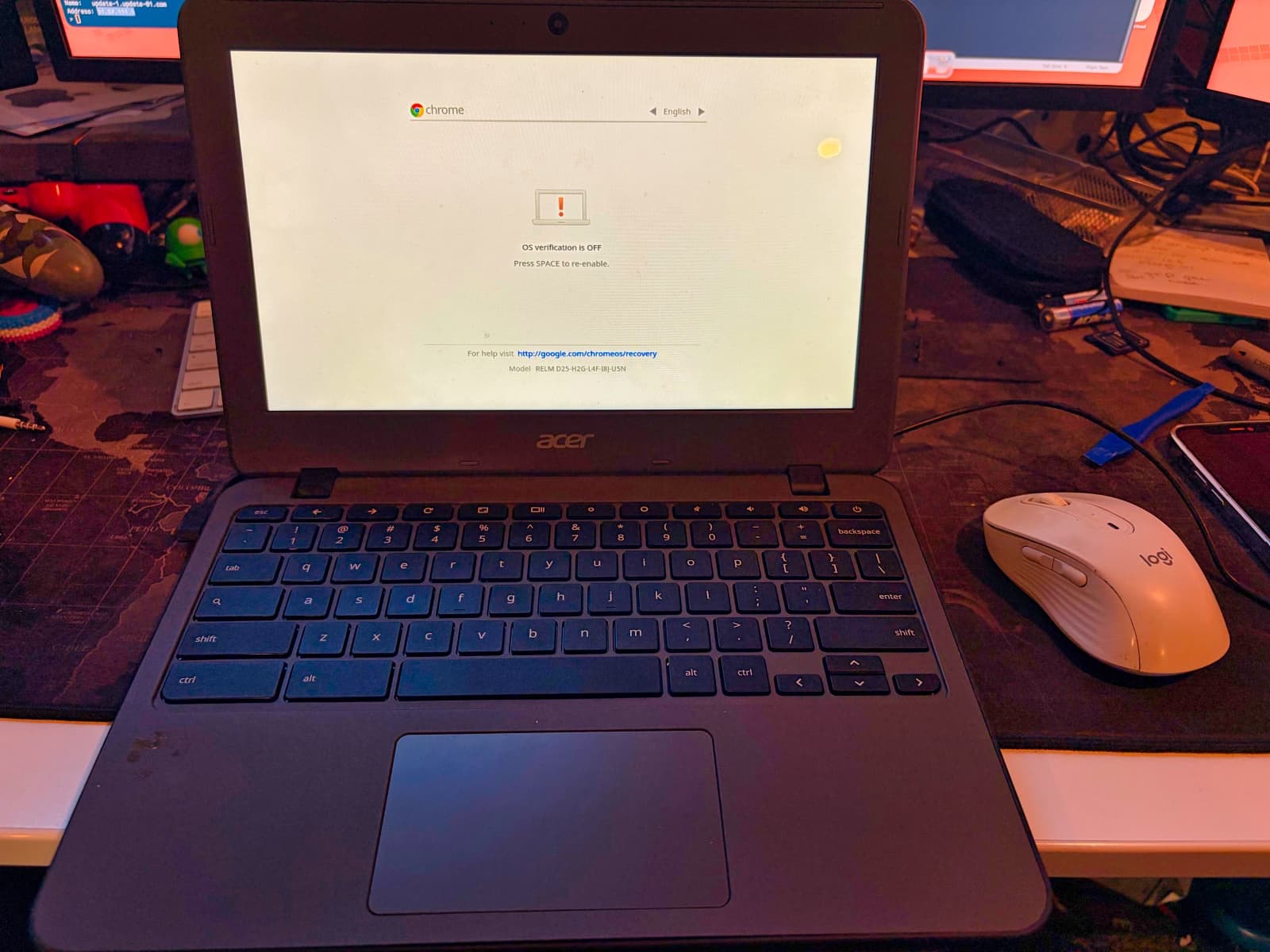
One the lock screw was gone, I put the Chromebook into “Developer Mode”:
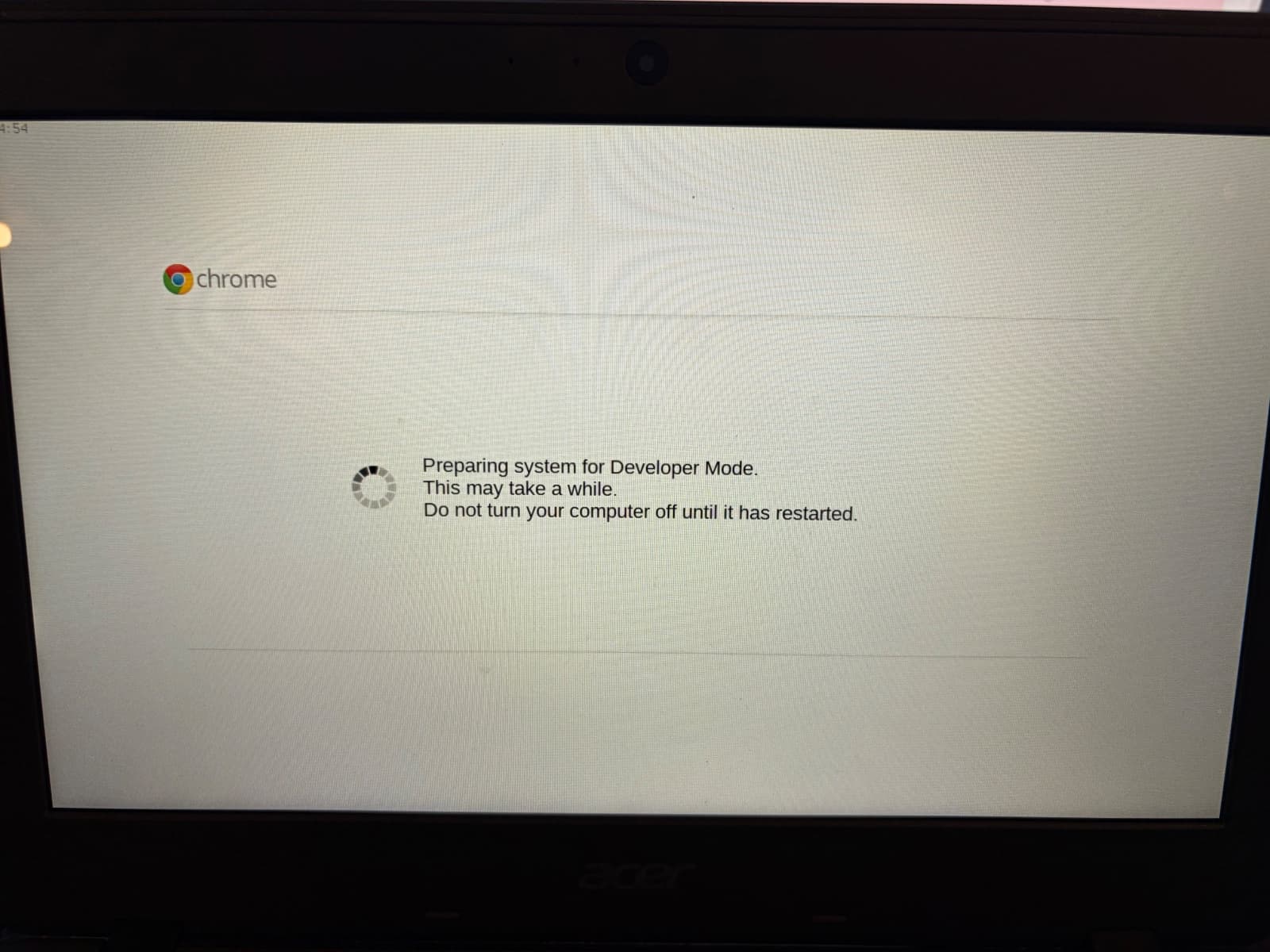
After about 5 minutes, it had wiped the system and restored a “developer mode” version of ChromeOS. And then once that was done, I connected to my Wifi, but didn’t login. Instead I invoked the command-line developer console.
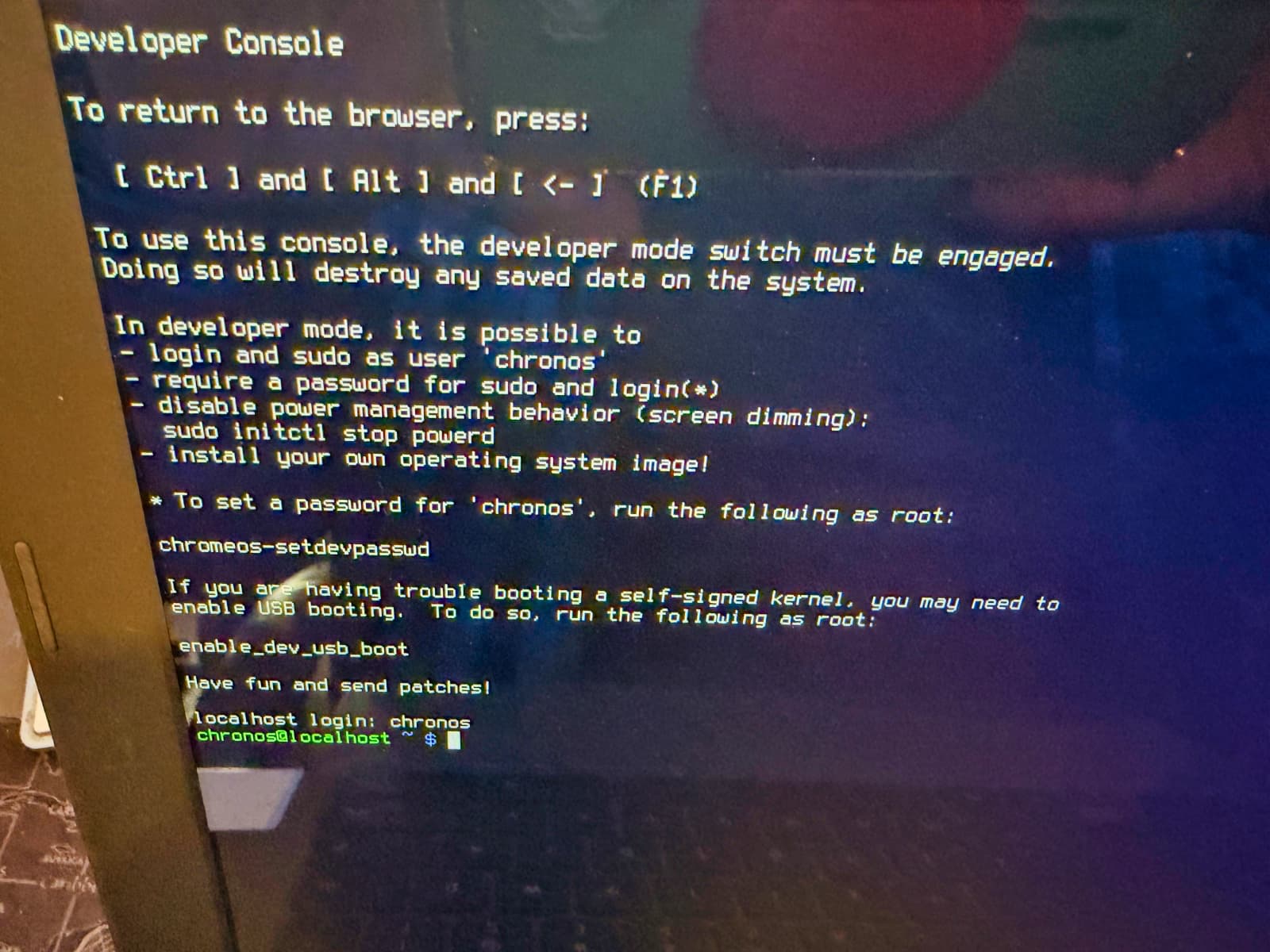
And then used the wonderful Mr. Chromebox script to do the rest.
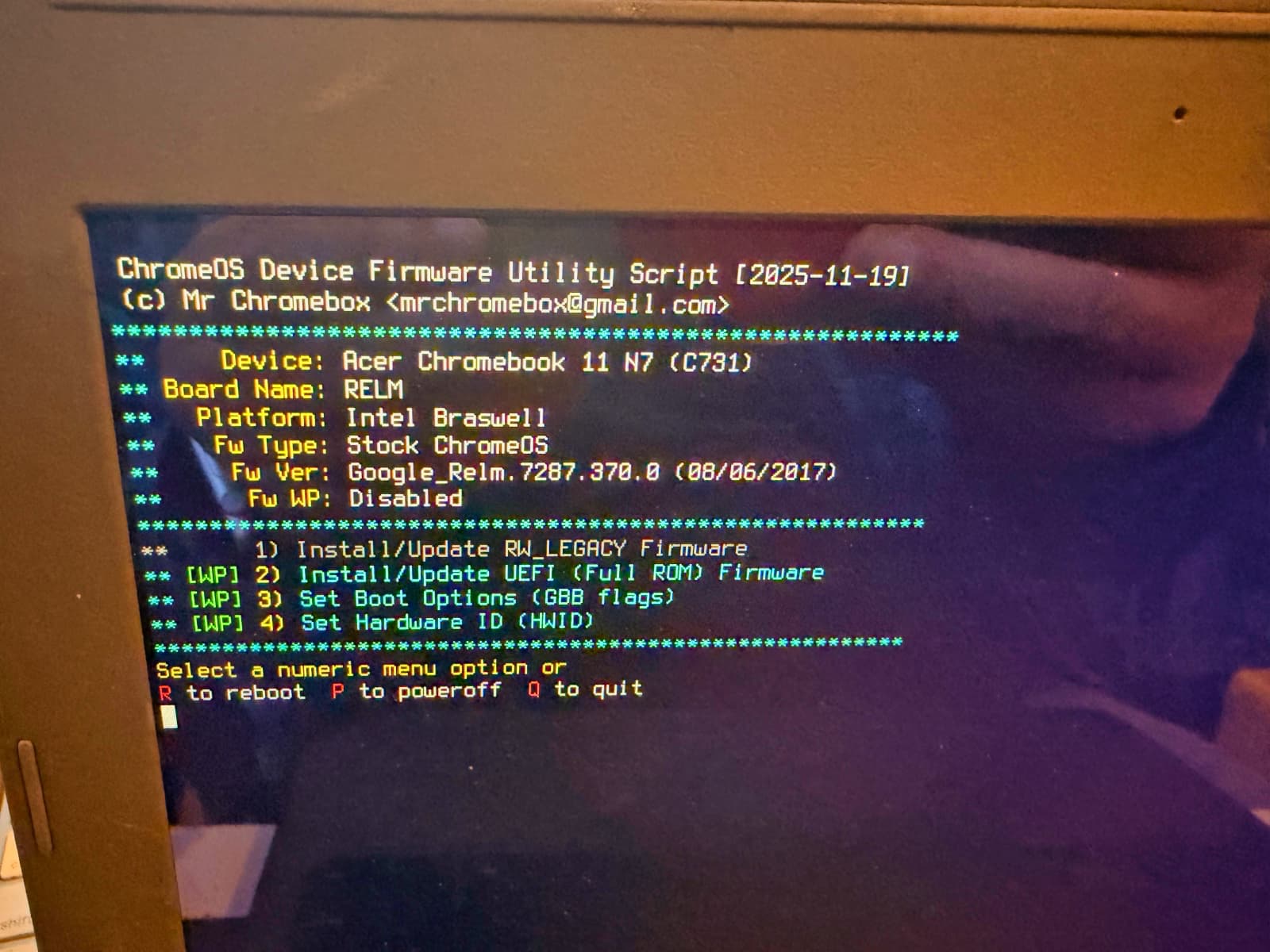
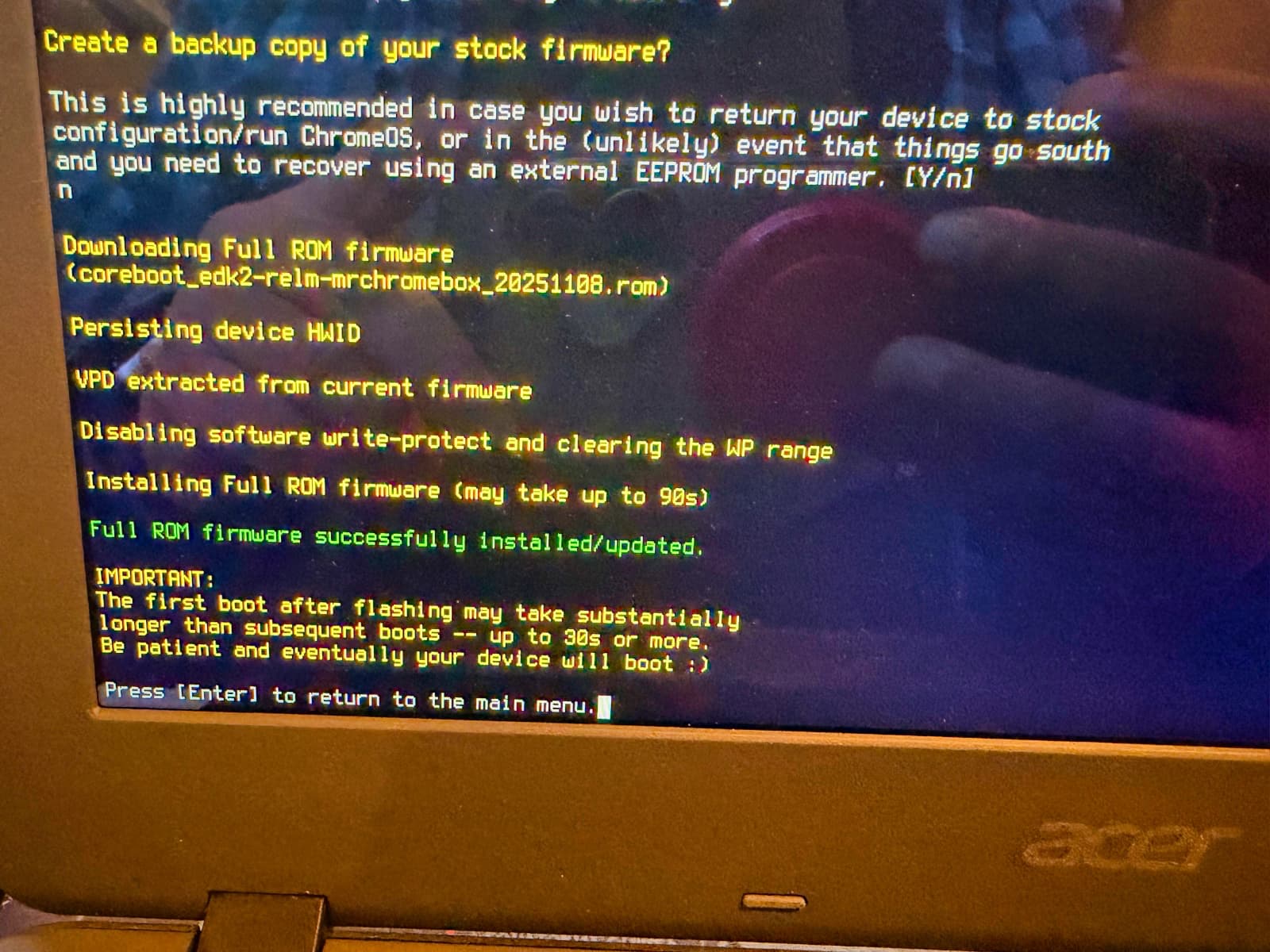
I had to flash the firmware with an open-source UEFI firmware, which would allow me to install an operating system other than ChromeOS.
Once that was done, it was smooth sailing. I copied a Kubuntu ISO onto a USB flash drive, and booted the installer.
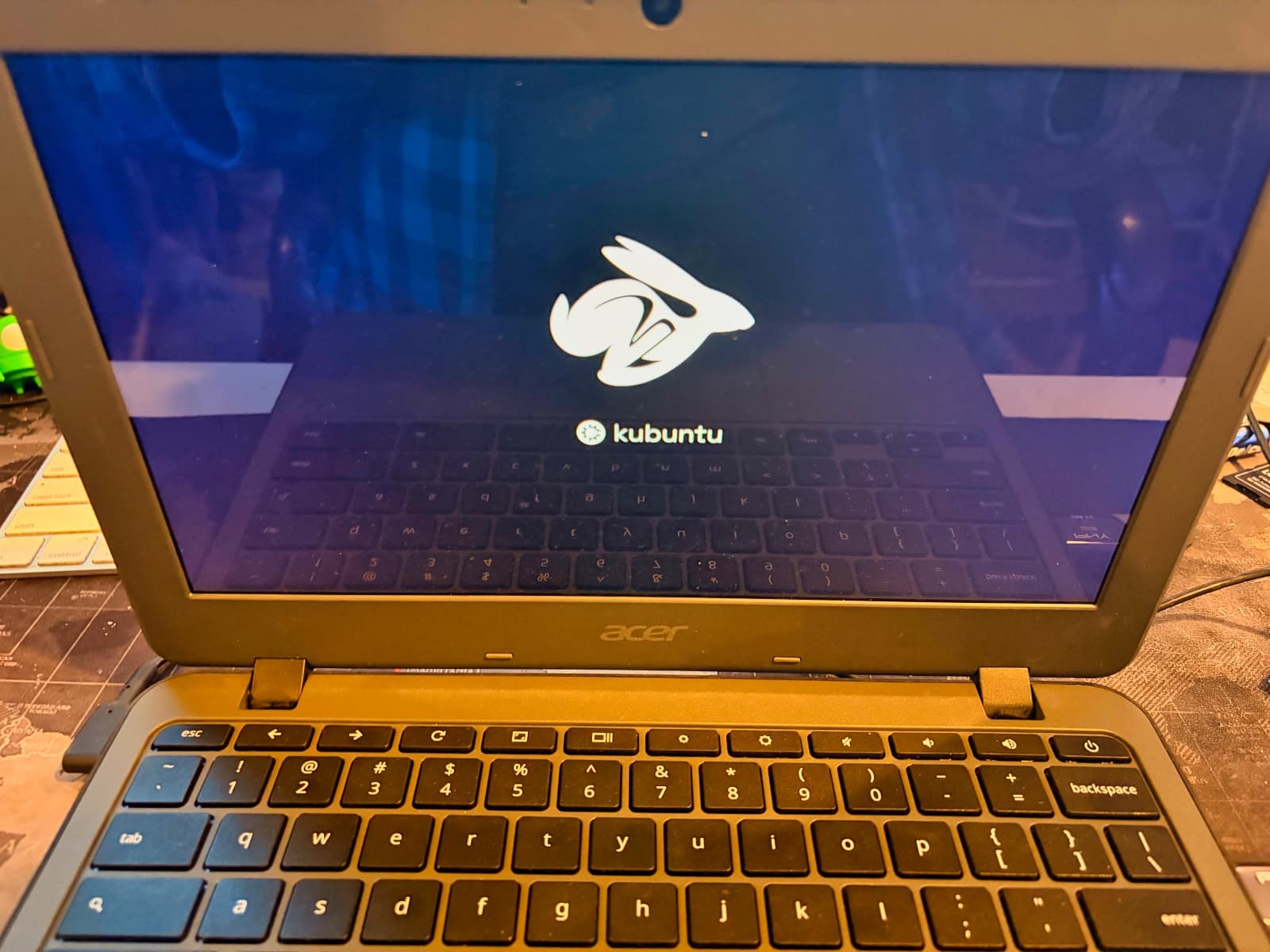
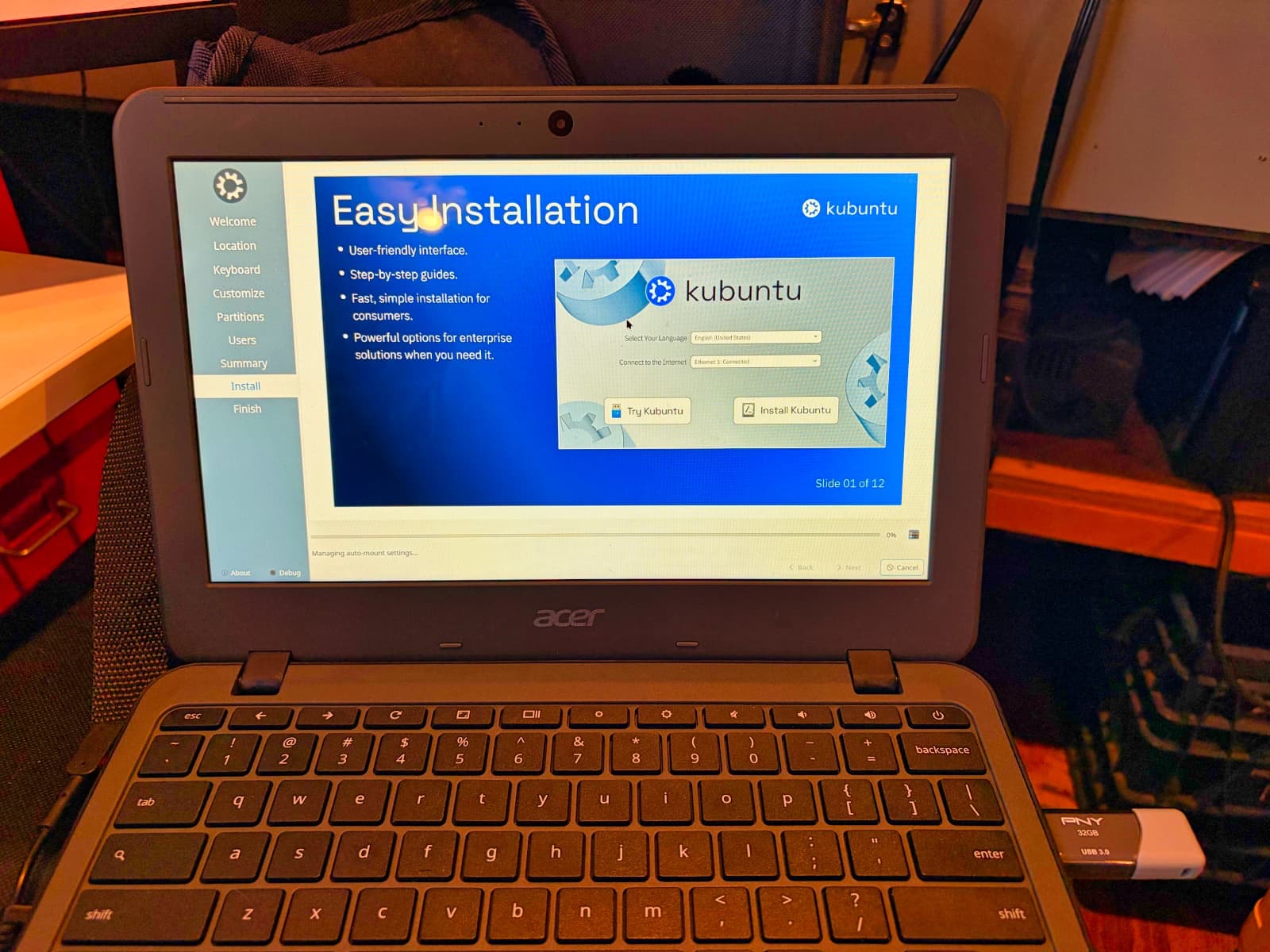
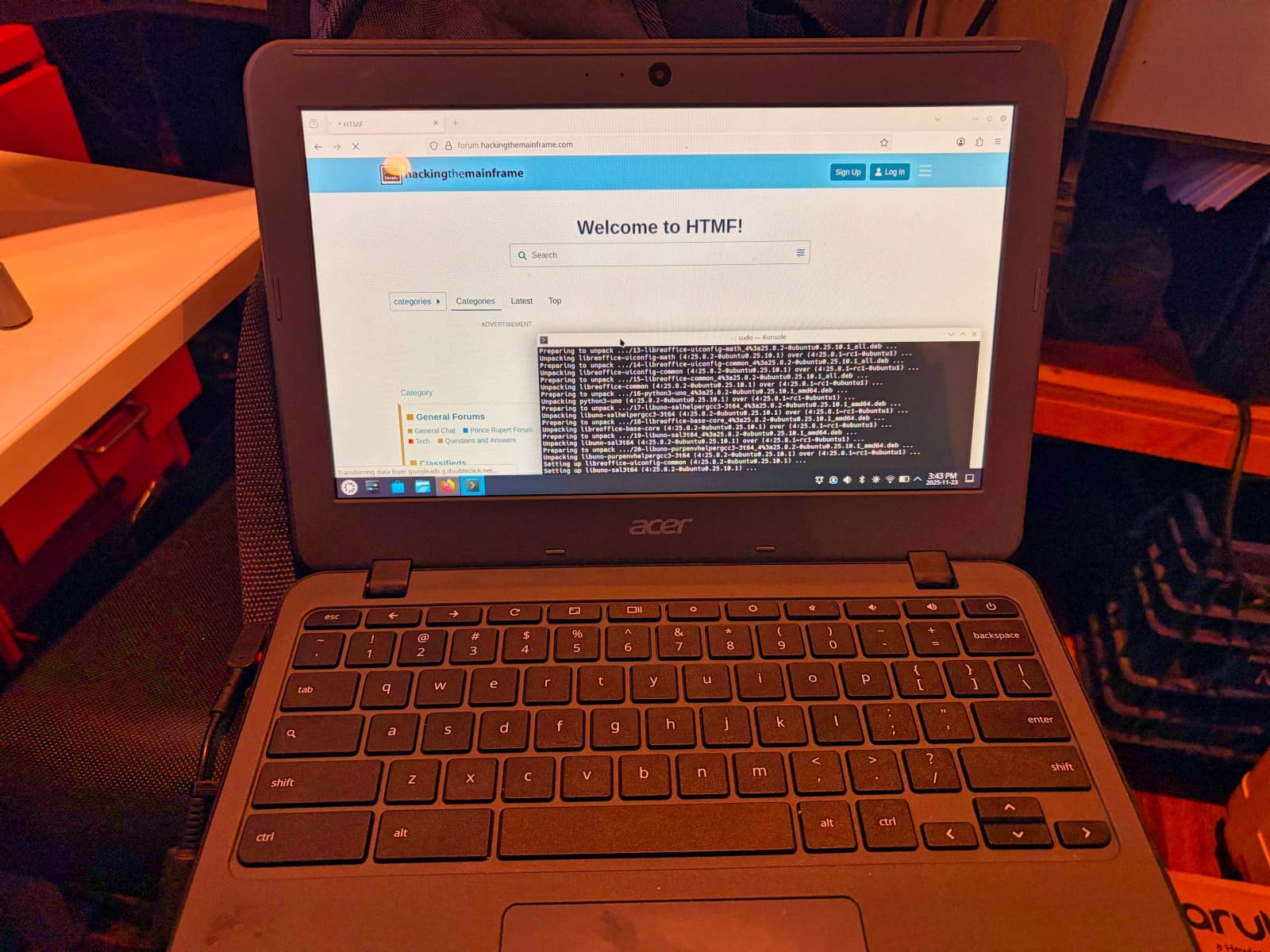
And voila, all done!